
Support
Help with your Brim charger
Answers, light codes and guides. Or talk to our UK support team.
Installing a charger? Manuals and data sheetsBuilding homes? How we look after your buyers
FAQs
Common questions
Search, or pick a topic.
25 questions
Charger lights
What your charger’s light means
Is your charger flashing green, yellow or red? Pick the pattern you see.
Connected & online
Green (1 second), 3 seconds off
The charger is both connected to the internet, and connected to our system.
Guides
Guides and manuals
For your Brim charger and the MyBrim app.
- Charger manualDownload PDF (opens in a new tab)
- Charger data sheetDownload PDF (opens in a new tab)
- MyBrim app manualDownload PDF (opens in a new tab)
- AP mode guideDownload PDF (opens in a new tab)
- Plug & Play guideDownload PDF (opens in a new tab)
- Brim RFID guideDownload PDF (opens in a new tab)
- RFID reference imageDownload PNG (opens in a new tab)
- Tamper alert guideDownload PDF (opens in a new tab)
For housebuilders
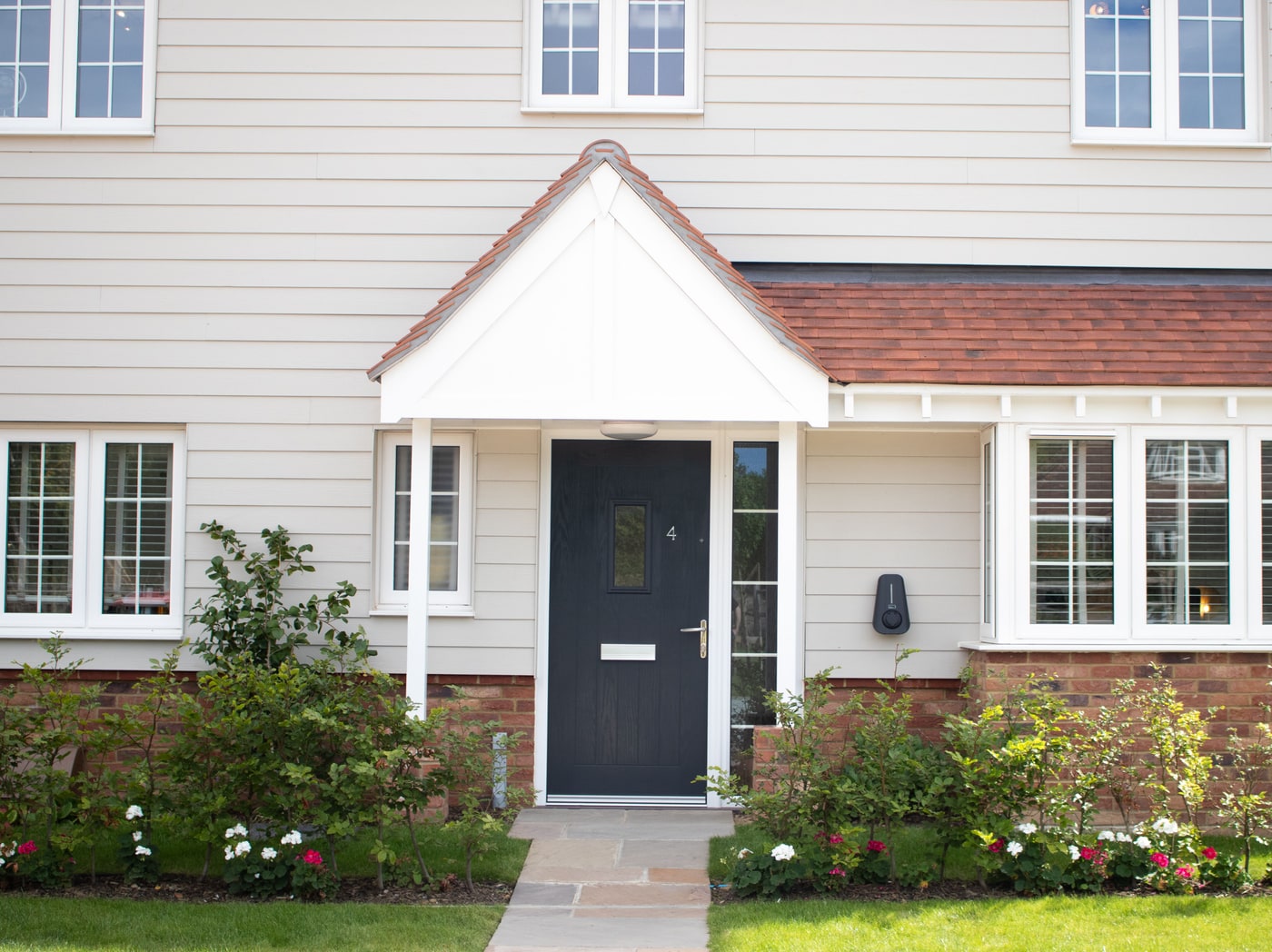
An onboarding call for every new homeowner
Every new Brim charger owner gets a personal onboarding call two weeks after move-in, to check everything is running smoothly. It helps homeowners from day one and supports our clients’ NHBC scores.