The MyBrim app
Control your
EV charging.
Set your charging hours, check progress and track your costs with MyBrim.
Everyday charging
All your charging in one app
Home charging
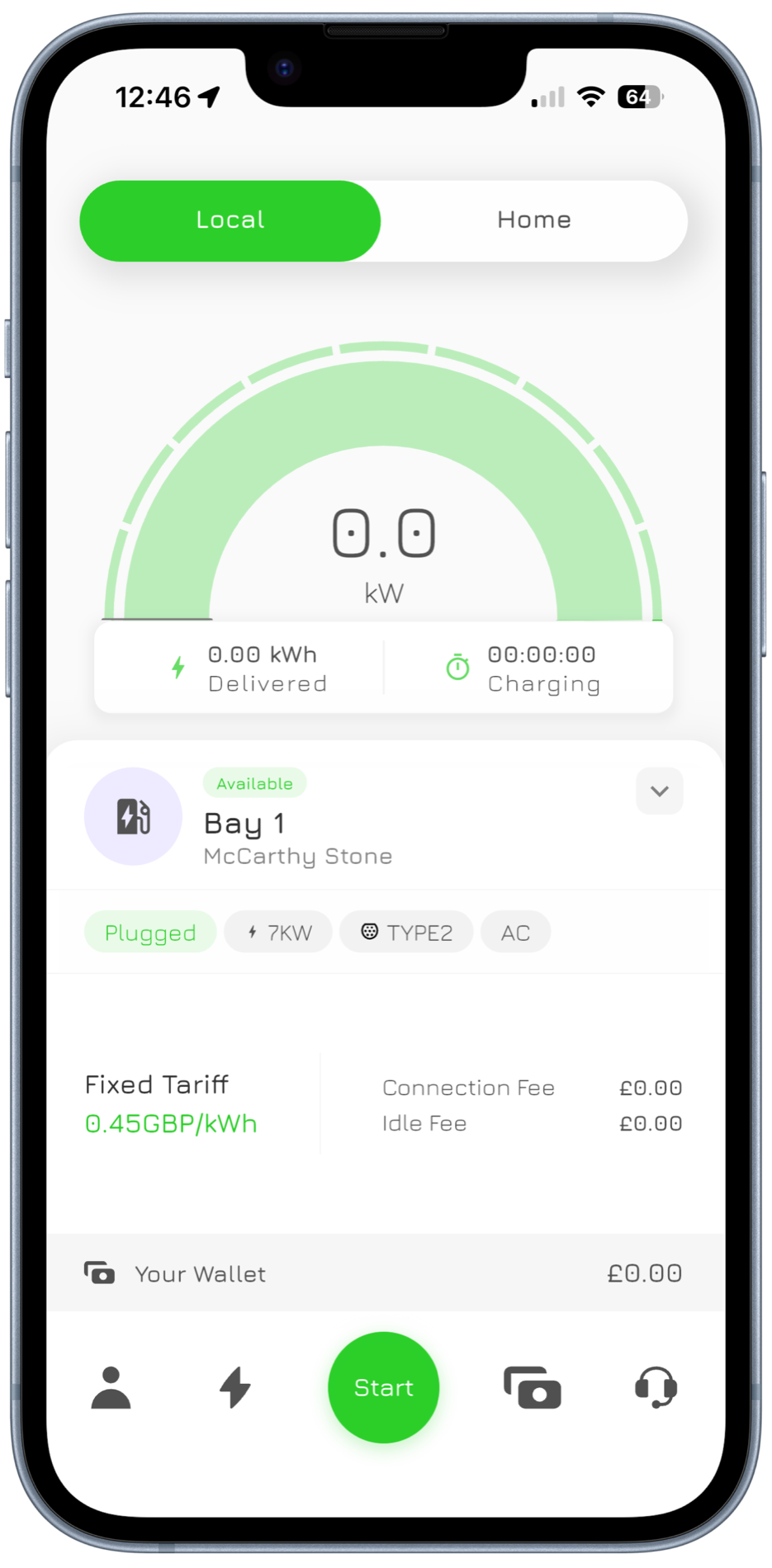
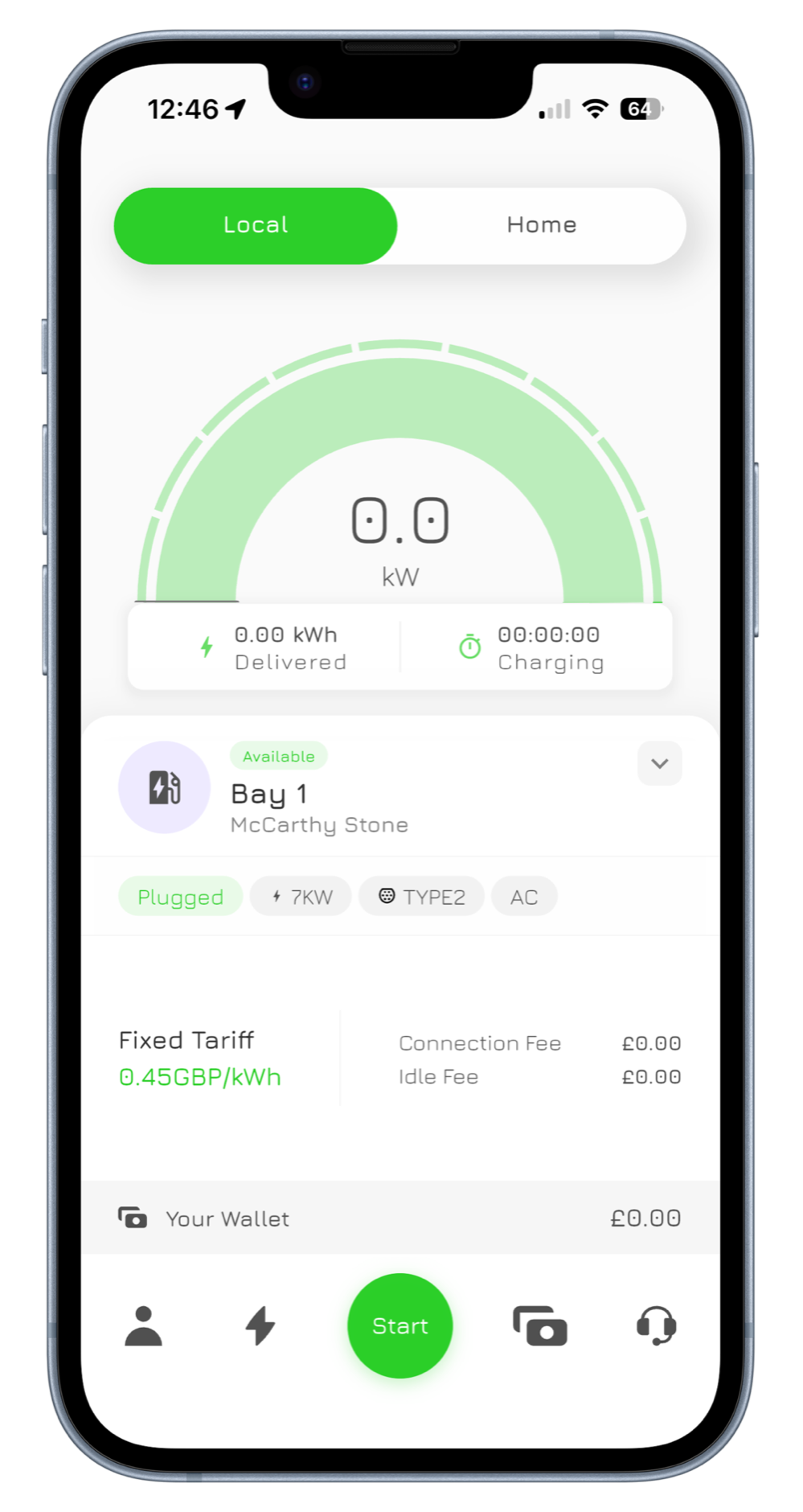
Start, stop and check your charging progress.
MyBrim Home screen with the Home tab selected, charger controls and charging schedule Find a charger
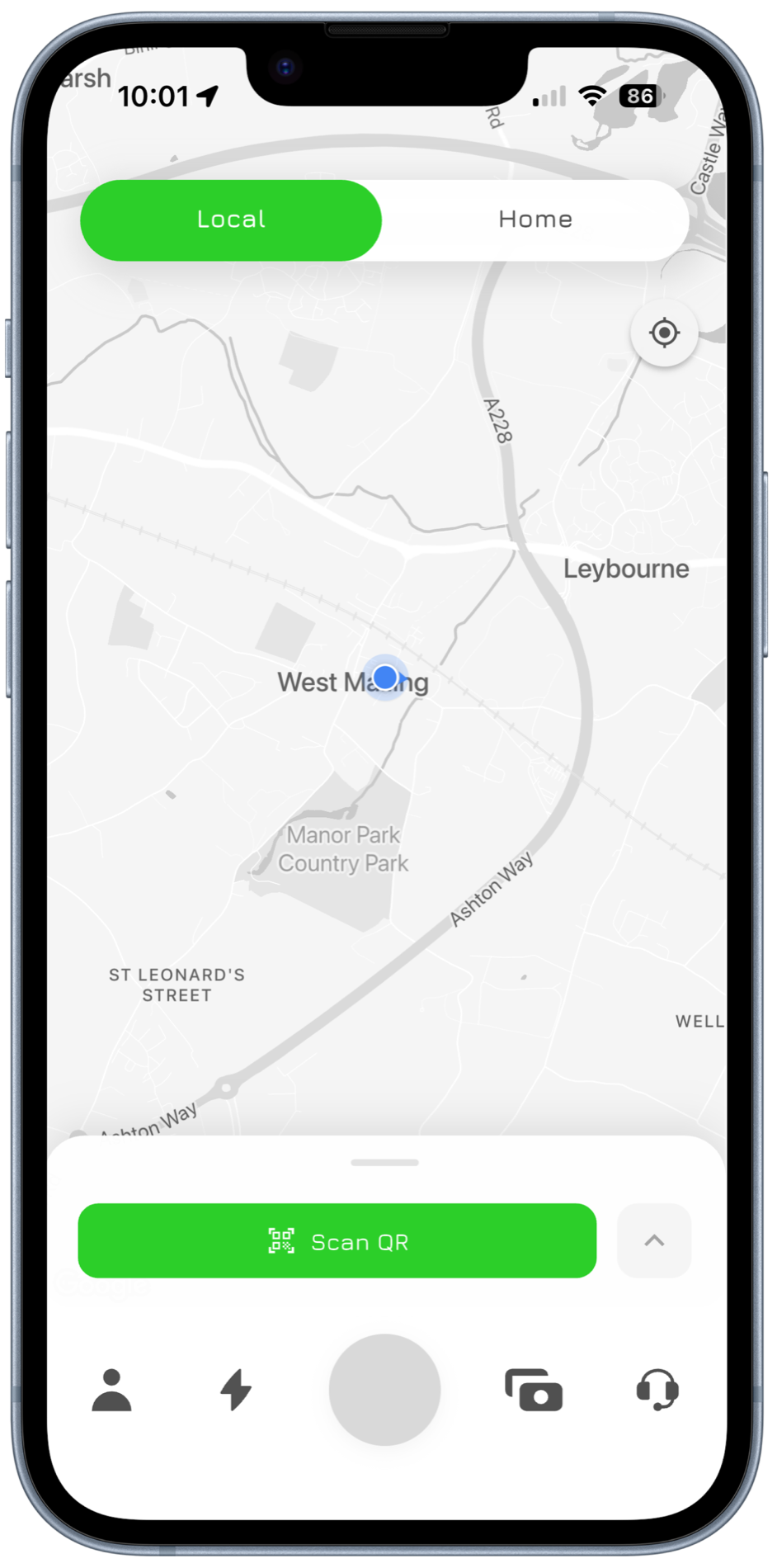
Find Brim chargers on the map. Scan. Charge.
Willow Lane Car Park7 kW · Type 2 (Socket Only)Brim Chargers Charging schedule
Set your charging hours and add your electricity rates.
09:0012:00Weekend top-upWeekends 00:3005:30Off-peakWeekdays 23:3004:30Night saverMon – Thu 11:0015:00Solar hoursEvery day Know your costs
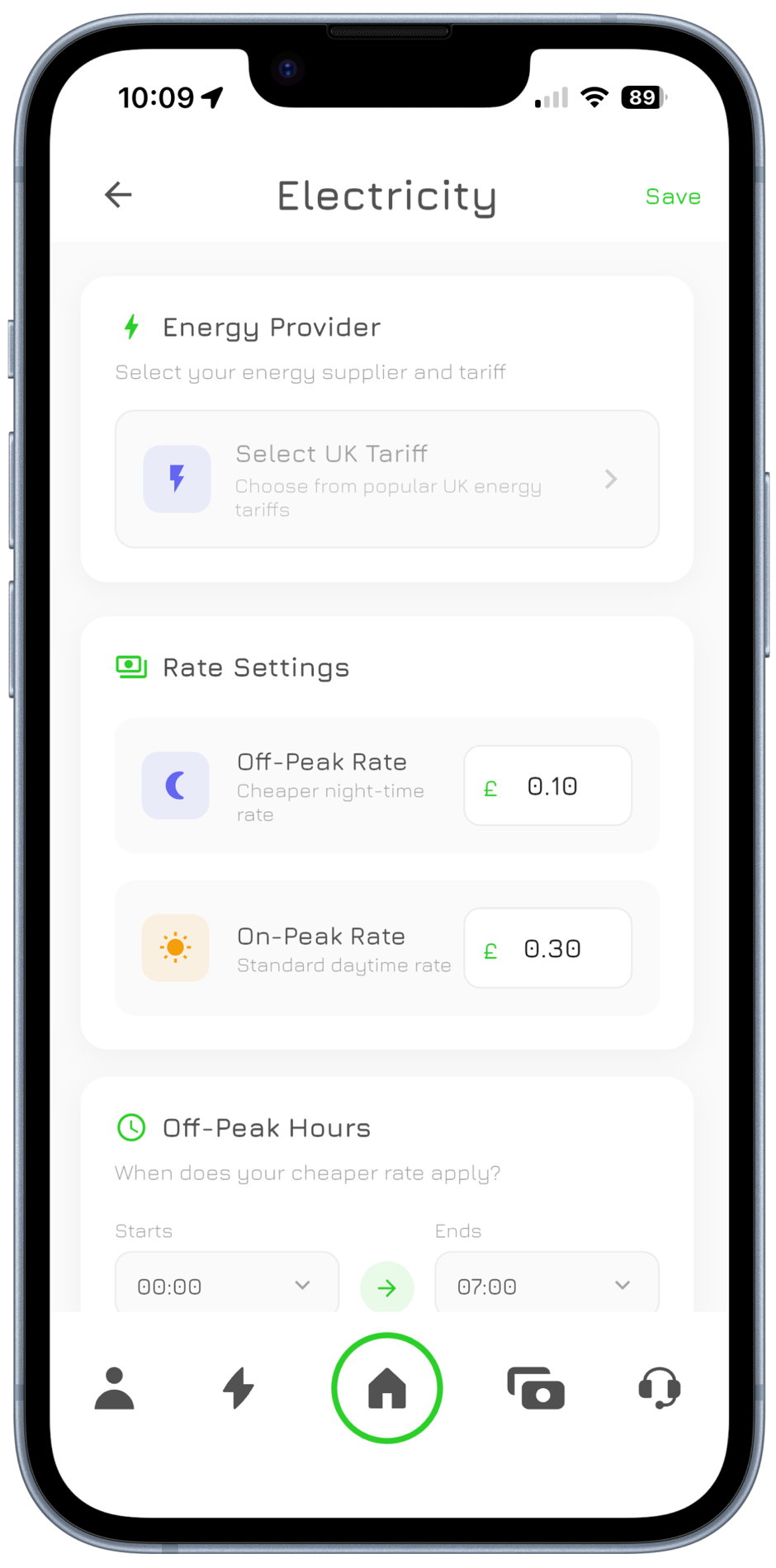
Add your electricity tariff to track charging costs.
Off-Peak RateCheaper night-time rate£0.07 On-Peak RateStandard daytime rate£0.27 Your wallet
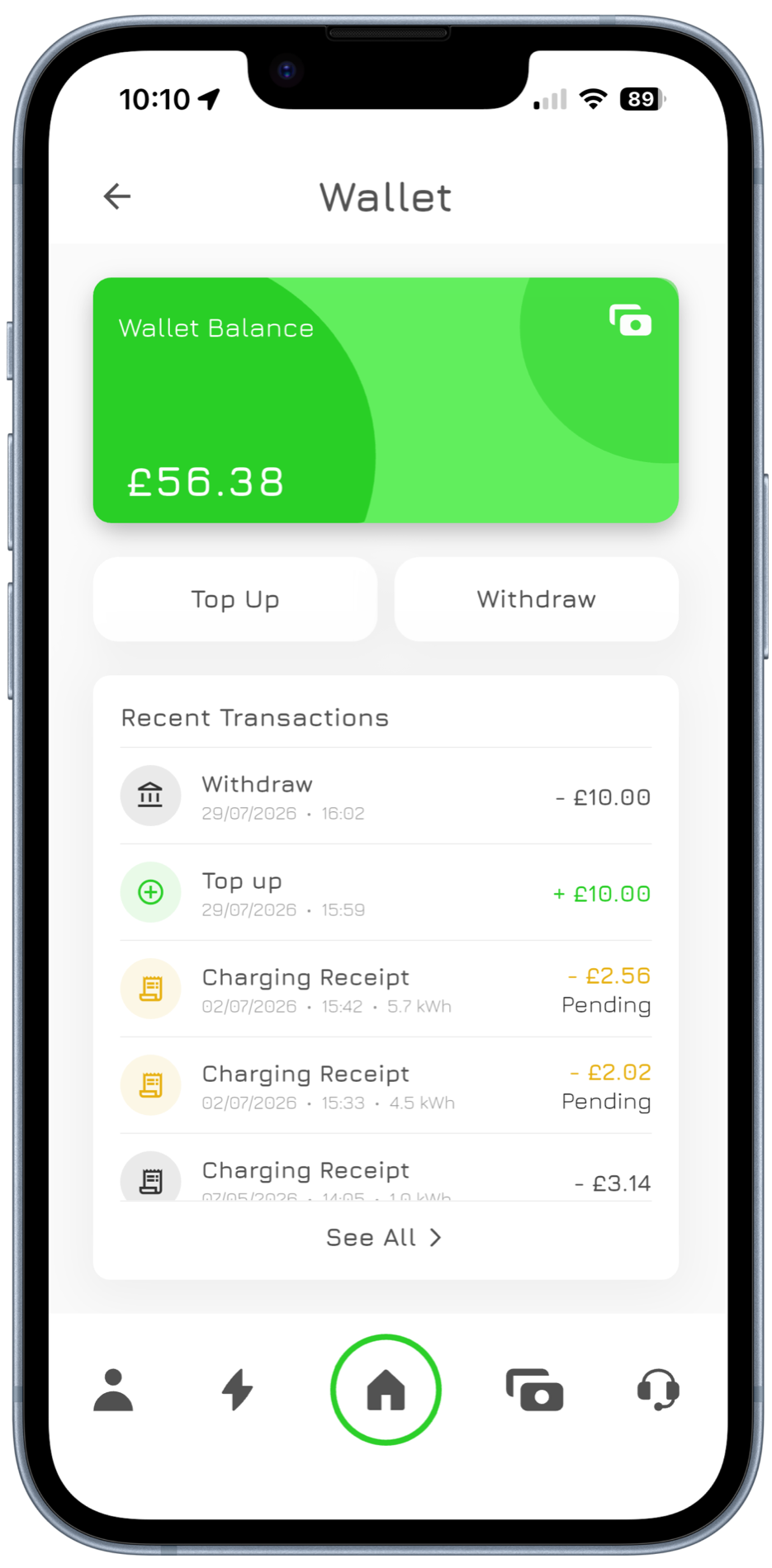
Your balance, top-ups and charging history.
•••• •••• •••• 2182NameBrim ChargersExpiry09/28 Easy setup
Add your charger in a few steps in the app.
Brim Premium+
More from your charger
Family sharing
Let family charge from their own accounts.
SAJ+2
Family · No access end date
Live Activities
Follow your charge on the Lock Screen.
iPhone, and Android as a charging notification
MyBrim Live Activity on the iPhone Lock Screen: charging, 17.8 kWh delivered Rent your charger
Let other drivers pay to charge at yours.
£42.10
9 sessions · paid to your Brim wallet
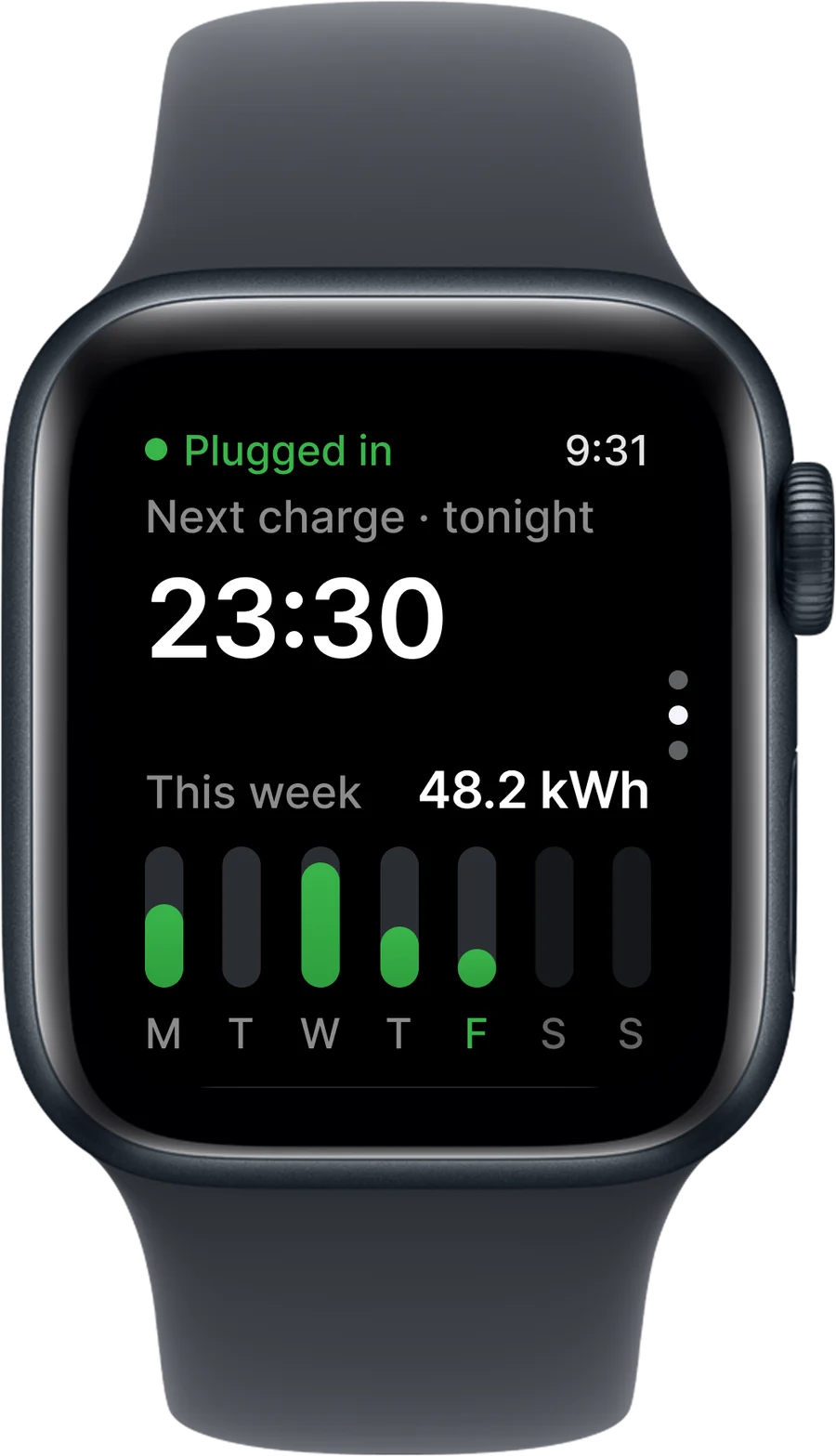
Apple Watch
Start, stop and check from your wrist.
Needs an iPhone
Guest passes
Timed access for visitors. Ends automatically.
VVisiting friendGuest pass Expires in2:59:59Access ends on its own
iPhone and Android
Get the MyBrim app
- Smart scheduling
- Live session data
- Your wallet
- Shared access
- Find a charger
- Charging history
Start, stop and watch a live session from the driveway or the other side of the country.
Cookie Settings
We use cookies to enhance your experience, analyse site traffic and deliver personalised content. Read our Cookie Policy.